Promoting your virtual care services on Vetster

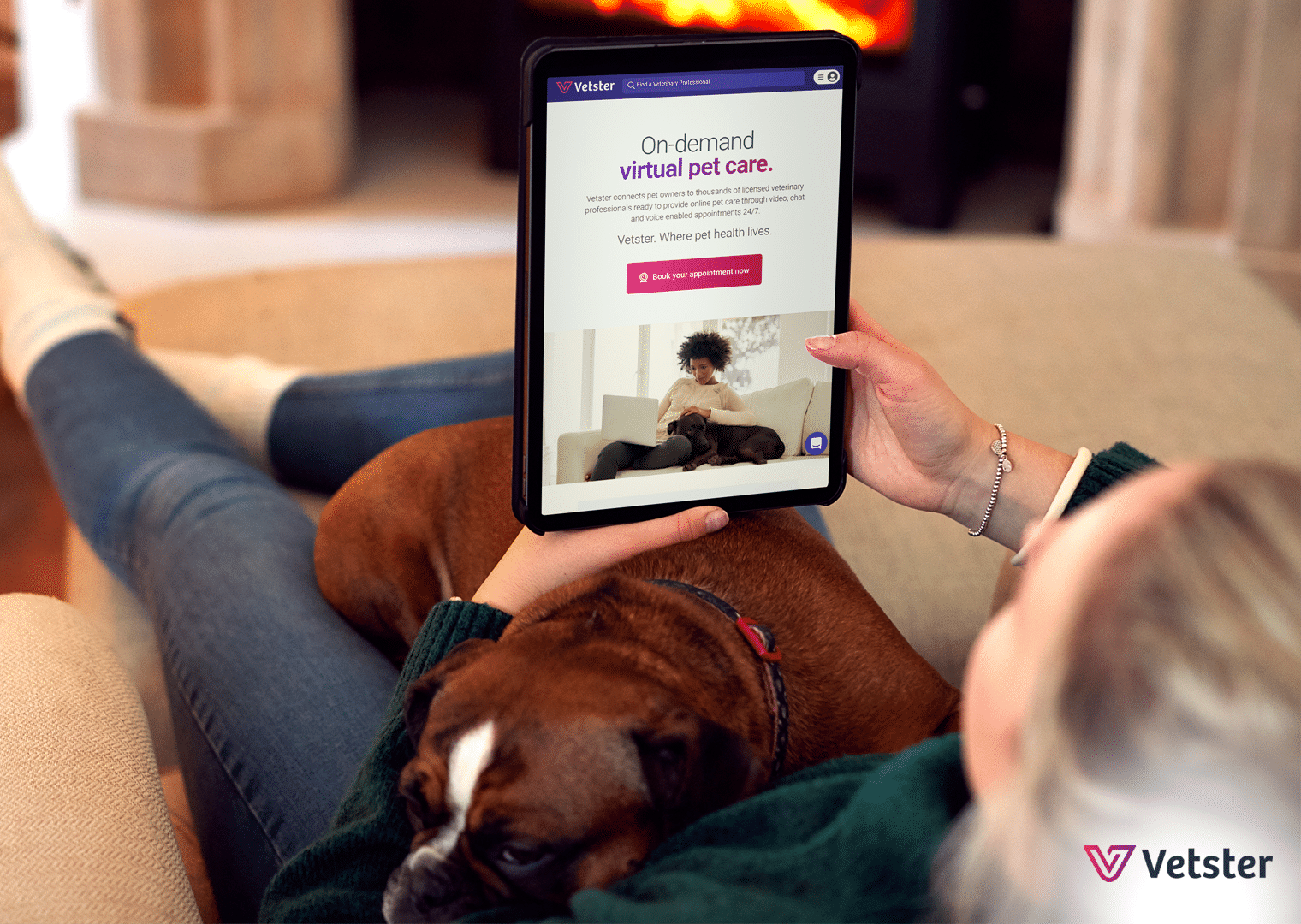
Vetster wants you to succeed in your virtual care practice, so we make it easy for you to discover everything you need to know about driving more appointments on Vetster.
Vetster video library
Start by checking out our Video Library on your dashboard. Here you’ll find a dozen short video clips that explain what you need to be successful on the platform, including an appointment booking demo to guide you on how to set your prices.
Self-promotion tools
Click on the “Self-promotion tools” tile in your Vetster account to discover more ways to market your virtual care services.
- Share discount codes with clients to get them started.
- Use your unique Vetster booking code to share your personal booking page with friends, family, existing clients, and on your social media profiles.
- Generate your own Vester email signature. Don’t forget to include your direct booking link and a discount code.
- Discover more in “A Guide to Marketing Yourself on Vetster”, our downloadable e-book, accessible from your Account Settings under the “Self Promotion Tools” tile.
- Check out our referral program and generate flyers and business cards
Additional support
The Vetster team works hard to provide the support you need to grow your practice. You have the flexibility to manage your Vetster bookings and see appointments on both your desktop and your mobile device. We are committed to supporting the veterinary community and advocate for you and the advancement of veterinary telehealth. Our Pet Connection blog posts stress the importance of veterinary care, both in the clinic and virtually, to pet parents, like this one explaining why you should see your vet regularly. We also make it easy for you to share reliable information about common pet health concerns with our library of articles on pet health conditions and symptoms. If you have any questions, contact us at support@vetster.com or directly via the Chat function on our site
Looking to join Vetster?
You may create an account as a veterinary professional, or learn more here about becoming an online vet.
Frequently asked question
Q: How can I generate a Vester email signature to promote my virtual care services on Vetster?
Adding a customized call to action with your direct booking link to your existing email signature is a great way to let your circle know that you are accepting virtual appointments on Vetster. Find the email signature generator in your self-promotion tools in your account.
Client success story
We love hearing feedback from our clients! Ginger from Palmyra, VA, said:
I was able to book an appointment at 9:30pm for an hour later. It gave me so much peace of mind to get some advice right away. The vet called in a prescription and gave clear instructions on what to look out for and when to head in-person to a vet if needed.”